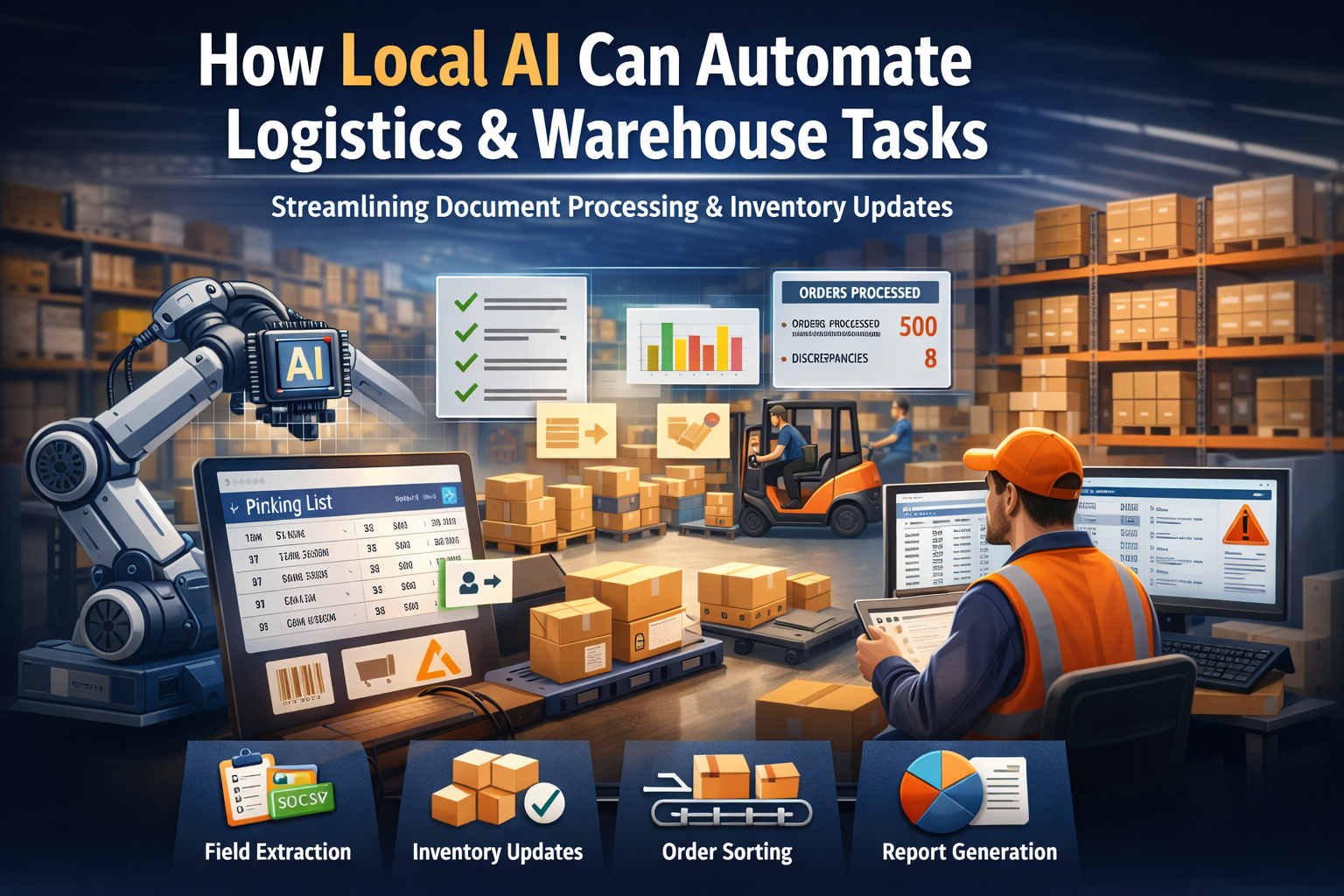
The Problem: Drowning in Picking Lists and Inventory Reports
If you manage warehouse operations or distribution centers, you know the drill. Every day brings hundreds of picking lists, packing slips, receiving documents, and inventory reports. Someone has to read them, extract key details, update stock levels, and flag discrepancies.
This work is necessary but exhausting. A warehouse coordinator might spend hours each week:
- Extracting SKUs and quantities from PDF picking lists
- Updating inventory records from receiving documents
- Cleaning up OCR output from scanned packing slips
- Sorting orders by priority, zone, or shipping method
- Generating reports on fulfillment accuracy and stock levels
The volume is high, the work is repetitive, and mistakes are costly. A missed SKU or incorrect quantity can cascade into picking errors, inventory discrepancies, or customer complaints.
Where AI Is Already Deployed in Warehousing and Fulfillment
Warehousing is mid-robotics-transformation. Amazon has deployed more than 1 million robots in its fulfillment centers, Locus Robotics has surpassed 6 billion robot-assisted picks, and MHI finds 83% of supply chain leaders expect to adopt robotics and automation within five years—45% planning purchases in the immediate term. Where is it working?
- Goods-to-person robotics: Amazon's million-robot fleet (Sequoia, Digit, and AMRs) plus Locus's 6B+ picks show the ceiling; GreyOrange, Geek+, and Zebra's Fetch deployments bring the same pattern to retail and 3PL distribution.
- Reality check on adoption: Only about 25% of warehouses worldwide have any automation, and roughly 10% run advanced goods-to-person systems—the vast majority of picking is still manual, which is exactly where AI-assisted document work fits.
- Labor pressure: 76% of supply chain operations report workforce shortages, and warehouse turnover runs 36-40%+ annually—automation and AI are the primary response to a labor pool that won't stabilize.
- Inventory and demand planning: MHI and Deloitte find 82-88% of supply chain leaders prioritizing AI and network/inventory optimization, replacing manual slotting and forecasting with predictive models.
- Vision-based inspection: AI cameras on receiving lines and pick stations flag damaged goods, mislabels, and wrong-SKU picks in real time—detection speed that prevents errors from reaching customers.
But the rollout is lopsided: the robotics gains assume a reliable network connection to orchestration clouds, and dark warehouses, cold storage, and remote distribution centers often can't carry that assumption.
Why These Tasks Are Static
Most of these warehouse tasks follow predictable, rule-based patterns. They don't require judgment, negotiation, or strategic thinking. They require consistency and accuracy.
Consider inventory tracking. You have a picking list with 50 line items. You have a packing slip with SKUs and quantities. Your job is to match them, update stock levels, and flag discrepancies. The logic is deterministic: does this SKU match this order? Does the quantity picked match the quantity ordered?
The same applies to extracting bin locations from PDFs, normalizing product codes across systems, or categorizing orders by fulfillment zone. These are mechanical tasks with clear inputs and outputs.
Why Local AI Is a Good Fit
Warehouse work is latency and secrecy. Those two realities decide where the inference has to live:
- Proprietary SKU and stock data: Assortments, velocity profiles, cost bases, and supplier terms are competitive intelligence. A cloud pipeline turns them into a vendor's training material and a competitor's lead.
- Supplier and inventory confidentiality: Receiving documents reveal supplier relationships, order economics, and contract volumes—information partners expect to stay in the building.
- Offline and dark warehouses: Cold storage, remote distribution centers, and lights-out facilities often run on marginal connectivity. Cloud-dependent orchestration stalls mid-shift when the link drops.
- Millisecond latency for robotic control: Pick-and-place and AMR coordination need on-site inference, not a data-center round trip—a 300ms delay makes robotic gating unsafe.
- Per-pick cost at scale: Millions of scans, picks, and slotting decisions per month make per-token cloud economics untenable; local models process them for the same electricity.
Local AI isn't replacing your warehouse team. It's handling the mechanical, repetitive parts so your team can focus on exceptions, quality control, and operational improvements.
What Local AI Actually Does
Local AI can perform specific, mechanical actions within warehouse workflows:
- Document reading: Extract text from picking lists, packing slips, receiving documents, and inventory reports (PDF, Excel, CSV, or scanned documents)
- Field extraction: Pull order IDs, SKUs, product descriptions, quantities, bin locations, stock levels, and customer information
- Data cleaning: Normalize SKU formats, fix OCR errors, standardize product names across different systems
- Inventory updates: Compare current stock levels against incoming/outgoing orders, flag low stock alerts, identify missing or duplicate items
- Classification: Sort orders by priority, fulfillment zone, shipping method, or product category; categorize inventory by location or stock status
- Summarization: Generate structured reports on order fulfillment rates, inventory accuracy, picking efficiency, or stock replenishment needs
- Output formatting: Produce CSV files, JSON data, or spreadsheets for import into warehouse management systems
Important: Local AI assists the process but does not replace professional judgment or operational decisions. It handles the mechanical work. Your team handles exceptions, quality control, layout optimization, and staffing decisions.
Step-by-Step Workflow
Here's how a warehouse team might use local AI to automate inventory tracking and order processing:
Step 1: Prepare Documents
Collect the day's picking lists, packing slips, and inventory reports. These might be PDFs from your warehouse management system, Excel files with stock levels, or scanned receiving documents.
Step 2: Extract Key Fields
Run local AI to extract order IDs, SKUs, product descriptions, quantities, bin locations, and stock levels from each document. The model outputs structured data (CSV or JSON) with one row per item.
Step 3: Normalize Formats
Use local AI to standardize SKU formats, clean up product names, and fix common OCR errors (e.g., "1" vs "I", missing dashes in product codes).
Step 4: Update Inventory Records
Feed the extracted data into your inventory system. Local AI compares current stock levels against incoming/outgoing orders, flagging discrepancies: low stock alerts, missing items, or duplicate entries.
Step 5: Classify and Route Orders
Classify orders by priority (same-day, standard, backorder), fulfillment zone, or shipping method. This makes it easier for your warehouse team to optimize picking routes and batch similar orders.
Step 6: Generate Reports
Use local AI to produce a summary report: total orders processed, items picked, inventory adjustments needed, and fulfillment accuracy. Output as a spreadsheet or JSON file for your warehouse dashboard.
Step 7: Human Review
Your warehouse team reviews flagged discrepancies, resolves inventory exceptions, and makes decisions on stock replenishment or order prioritization. Local AI has done the mechanical work; your team handles the judgment calls.
Realistic Example
A mid-size distribution center processes 500 orders per day across two fulfillment zones. Each order generates a picking list with SKUs, quantities, and bin locations. Manually processing and updating inventory takes two warehouse coordinators about 3 hours per day.
They implement local AI to automate field extraction and inventory updates. The workflow now looks like this:
- Local AI processes 500 picking lists in 15 minutes, extracting all key fields
- The model normalizes SKU formats and product names, fixing 30–40 OCR errors per batch
- Inventory update script flags 8 discrepancies (low stock alerts, missing items)
- Coordinators spend 30 minutes reviewing flagged issues and adjusting stock levels
Total time: 45 minutes instead of 3 hours. The team now uses the saved time to focus on quality control, process improvements, and training new staff.
Limits: When NOT to Use Local AI
Local AI is not appropriate for warehouse tasks that require judgment, reasoning, or strategic decision-making. Do not use local AI for:
- Layout optimization or slotting: Determining the most efficient warehouse layout or product placement requires specialized algorithms and operational analysis, not language models.
- Staffing decisions: Deciding how many pickers to schedule, when to hire seasonal workers, or how to allocate labor requires human judgment and workforce management expertise.
- Exception handling: When an order is damaged, a customer requests a rush shipment, or inventory is missing, your team needs to assess the situation and make case-by-case decisions.
- Strategic planning: Forecasting demand, optimizing stock levels, or redesigning fulfillment processes require domain expertise and analytical tools beyond local AI's capabilities.
- Ambiguous or high-stakes situations: If the data is incomplete, contradictory, or involves significant financial or customer impact, human review is essential.
Local AI is a tool for mechanical, high-volume tasks. It does not replace warehouse expertise, operational thinking, or customer service.
Key Takeaways
- Local AI is effective for static, high-volume warehouse tasks like document processing, field extraction, and inventory updates
- It reduces time spent on repetitive work and minimizes errors in order fulfillment, inventory tracking, and stock management
- Running AI on-device keeps proprietary warehouse data private and works offline in distribution centers
- Local AI handles mechanical tasks but is not a replacement for human judgment, operational decisions, or exception management
- Best used for deterministic workflows where consistency and volume matter more than reasoning or negotiation
- The Dark-Warehouse Brain: SKU economics, supplier terms, and stock levels are competitive intelligence best kept off the cloud—local AI is the only inference layer that never reports back to a vendor's data center.
Next Steps
If you're considering local AI for warehouse automation, start by identifying your most repetitive, high-volume tasks. Look for workflows where you're manually extracting data from documents, updating inventory records, or generating fulfillment reports.
Test local AI on a small batch—50 picking lists or 100 packing slips—and measure the time saved. Focus on tasks where the logic is clear and the outputs are deterministic.
Local AI won't solve every warehouse challenge, but for the right tasks, it can free your team from hours of mechanical work and let them focus on what matters: quality control, process improvements, and customer satisfaction.